App Download
Download the kkfb7 App — The best gaming experience on Android and iOS
Download the official kkfb7 app and enjoy Live Casino, slots, fish games, and more — anytime, anywhere. Fast loading, intuitive interface.

Download the official kkfb7 app and enjoy Live Casino, slots, fish games, and more — anytime, anywhere. Fast loading, intuitive interface.
Android, iOS, or straight from your browser — you can play kkfb7 any way you like.
Works on Samsung, Xiaomi, OPPO, Realme, and all Android phones. The app is lightweight at just 5 MB.
Fully optimized for iPhone and iPad. Can be installed from the App Store or directly — your choice.
Play directly in your browser — no downloads needed. Works on Chrome, Firefox, and Safari.
Many people assume a mobile browser is good enough and wonder why a separate app is needed. But the difference becomes clear once you use the kkfb7 app. It accesses your device's processor and RAM directly, so games run noticeably faster and smoother compared to a browser.
Once logged in to the kkfb7 app, you won't need to enter your password every time — just use biometric lock or a PIN. You'll also receive push notifications for bonus offers, deposit confirmations, and special tournament updates directly on your phone.
Live Casino players know how much video streaming quality matters. The kkfb7 app uses bandwidth more efficiently, keeping video quality sharp even on limited data — a real advantage on Bangladesh's mobile networks.
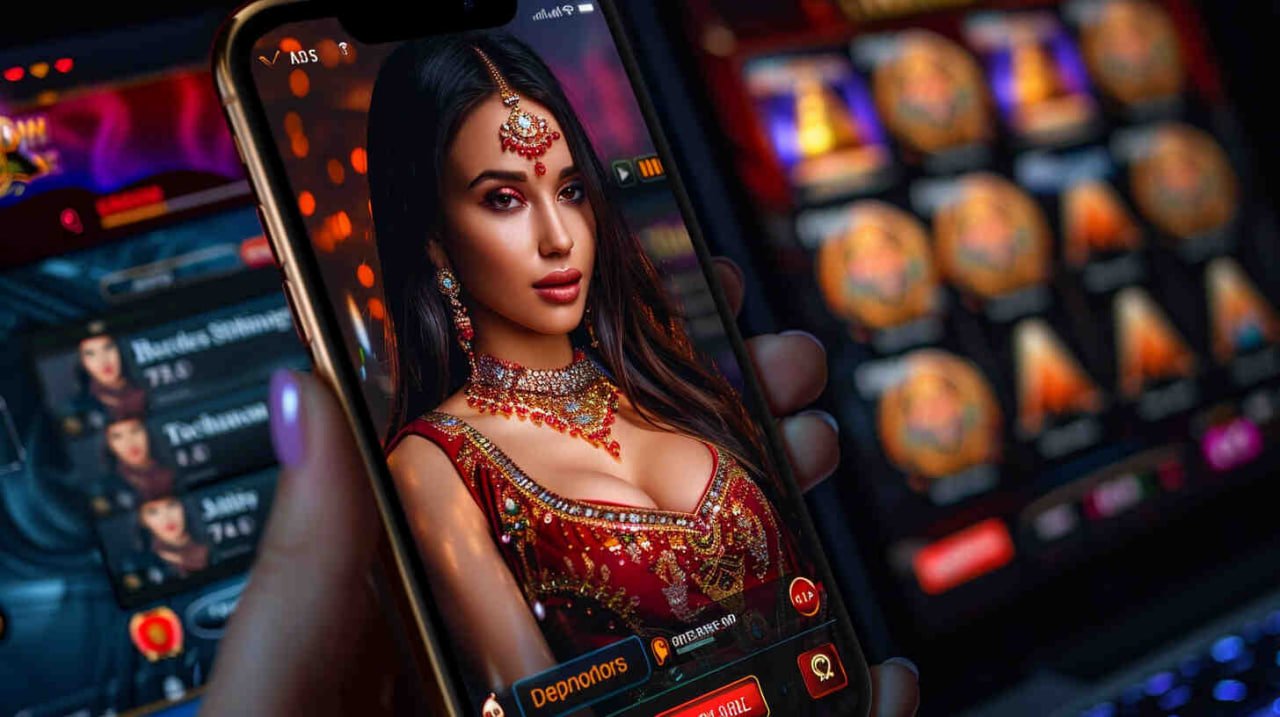
Kkfb7 Mobile App — Simple Interface, Fast Gameplay
The official kkfb7 app is completely virus-free and secure. Every version goes through a third-party security audit before release.
Install the kkfb7 app on your Android phone in just a few simple steps.
Go to your phone's Settings > Security > Unknown Sources and enable it. This allows APK files to be installed.
Download the latest APK file from the official kkfb7 site. The file will be saved to your Downloads folder.
Open your phone's File Manager, go to the Downloads folder, and locate the kkfb7.apk file.
Tap the APK file, then hit the Install button. If prompted for permission, tap Allow. Installation completes in just 15–30 seconds.
Once installation is complete, the kkfb7 icon will appear on your home screen. Tap it to log in or create a new account.
Set up fingerprint or face lock for security. From then on, you can log in with a single touch.
Kkfb7 iOS App — Uninterrupted Gaming on iPhone
IPhone users have two ways to install the kkfb7 app. The first method involves opening the kkfb7 website in Safari and tapping the iOS download button, which installs a configuration profile. Once you trust it from Settings, the app is ready to use.
The second method is even easier — open kkfb7.win in Safari, tap the Share button at the bottom, and select "Add to Home Screen." This creates a Web App shortcut that looks and works just like a native app.
The "Add to Home Screen" method in Safari is the most reliable option. It adds the app icon to your home screen and opens it in fullscreen mode — just like a native app.
On iPhone, always use Safari — not Chrome.
Tap the Share icon in the bottom bar.
Select "Add to Home Screen" and give it a name.
Tap the new icon on your home screen to start playing.
What the browser can't offer — the kkfb7 app has it.
The app uses the device's native APIs, so it launches and loads games significantly faster than a browser.
Bonus offers, tournament alerts, deposit confirmations — all updates delivered straight to your phone, so you never miss a thing.
Log in in seconds using fingerprint or Face ID — no more typing your password every time.
Live Casino video streaming is smoother on the app. Quality adjusts automatically when your network changes.
Mobile Banking, Nagad, Rocket — pay in one tap. The app connects directly to the payment gateway.
Dark mode is available for late-night sessions, along with a range of custom themes. kkfb7 keeps your eyes in mind.
| Topic | Android | IOS |
|---|---|---|
| Minimum OS | Android 5.0 | IOS 12.0 |
| App Size | 4.8 MB | 5.2 MB |
| RAM | 1 GB or more | 1 GB or more |
| Internet | 3G / 4G / Wi-Fi | 3G / 4G / Wi-Fi |
| Biometric login | Supported | Face ID / Touch ID |
| Push notifications | Supported | Supported |
| Offline History | Supported | Supported |
| Automatic updates | In-App | In-App |

Kkfb7 App — Peak Performance on Both Android and iOS
Use Wi-Fi or 4G when playing Live Casino. 3G works too, though video quality may be slightly reduced.
If you run into any issues installing the kkfb7 app, check the solutions below.
This message appears when Settings > Security > Unknown Sources is not enabled. Open Settings, go to Security or Privacy, and turn on "Install Unknown Apps" or "Unknown Sources".
Make sure mobile data is turned on. Chrome sometimes blocks APK downloads — if that happens, try Firefox or Samsung Internet instead.
Restart your phone and try again. If RAM is low, close other apps. If the problem continues, uninstall the app and reinstall it fresh.
Go to Settings > General > VPN & Device Management, find the kkfb7 profile, and tap "Trust". The app will then run normally.
Check your internet connection. If you've forgotten your password, reset it on the website. If the issue persists, reach out to our support team via live chat.
If your network speed is low, go to the app's Settings and set video quality to "Auto" or "Low." Switching to Wi-Fi usually resolves the issue.
Install the kkfb7 app on Android or iOS and get a 100% welcome bonus on your first deposit.